
Super Nintendo Emulation on Ubuntu (Edgy/Feisty)
I'm an old school gamer at heart, the 16-bit era was my glory days. I could be stuck on an island with only my SNES and
I'd die happy. Like you really need me to link to the Super Nintendo wiki, but I did it anyway.
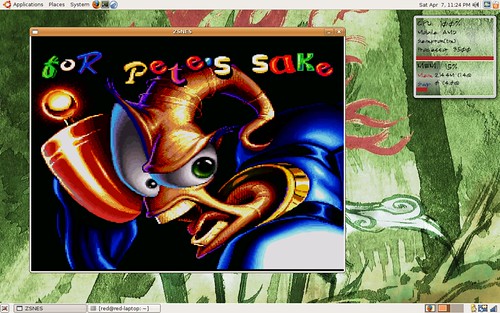
sudo apt-get install zsnes
*There are audio glitches with znes on the Dell Inspiron they can be fixed by using: sudo apt-get install libsdl1.2debian-esd
ScummVM on Ubuntu (Edgy/Feisty)
I just got into the Lucas Arts classic point and click adventures. Sam & Max is fantastic. I'm too lazy to write more, check out it's wiki here
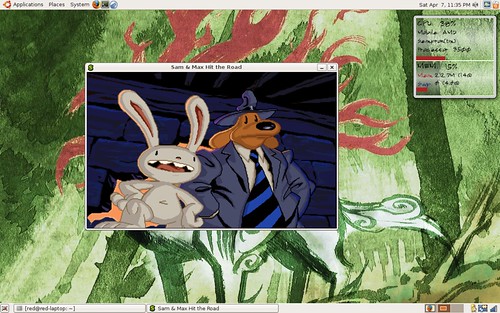
sudo apt-get install scummvm
rrootage on Ubuntu (Edgy/Feisty)
Probably the best "free" game I've ever played. I love shoot 'em ups and this one gives you all killer and no filler. Every stage is one big boss fight were you dodge bullets and blow stuff up. rrootage wiki
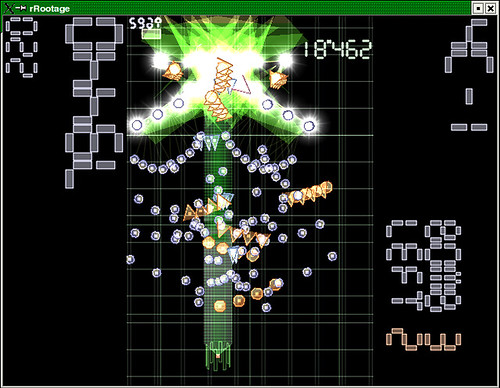
sudo apt-get install rrootage
zses and scummvm do not come with any games. You have to find roms for them yourselves. It is illegal to own/download roms if you don't actually own the game. I will not tell you how to find roms or allow any comments on where to find, how to download or requests for roms.
You could always check out my bittorrenting guide, might be helpful.
edited by pHreaksYcle


